Serif AI vs Fyxer AI: Which Email Assistant Is Actually Better in 2026?

The best AI email assistant for most business owners, founders, and sales professionals in 2026 is Serif AI. While Fyxer AI is a capable plug-and-play solution for inbox categorization and meeting notes, Serif wins on the dimensions that matter most for high-stakes professional communication: voice accuracy, drafting quality, security, and pricing transparency. Serif connects to your Gmail or Outlook in one click, learns how you write in about 10 minutes, and starts delivering ready-to-send drafts within the hour, no complicated setup, no browser extensions required.
That said, both tools serve different types of users, and the right choice depends entirely on what your actual bottleneck is. This Serif vs Fyxer AI comparison breaks down exactly where each platform wins, where it falls short, and who should use which one.
Serif vs Fyxer AI: What Is the Main Difference?
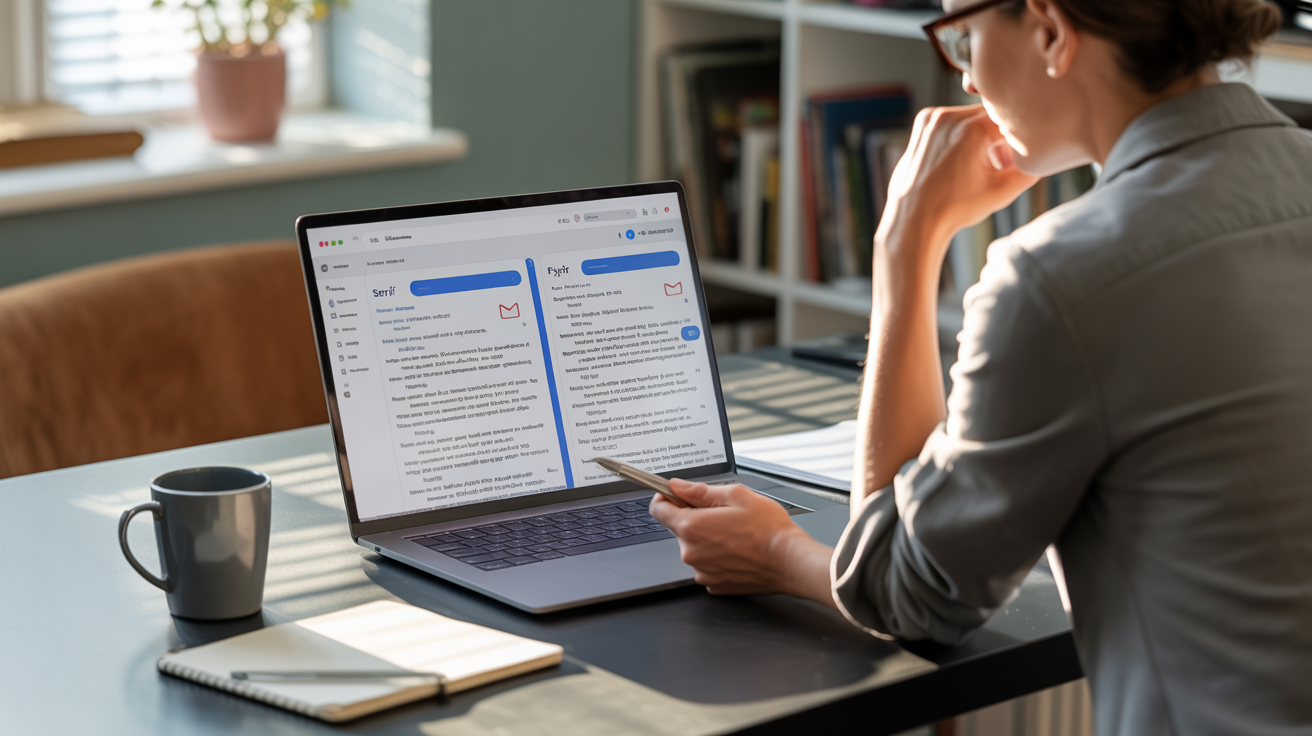
The core difference between Serif AI and Fyxer AI is their focus: Serif is built around high-accuracy email drafting and deep voice learning, while Fyxer is a broader all-in-one tool that adds meeting note-taking alongside email organization. If your primary problem is getting emails drafted in your voice without sounding robotic, Serif is the stronger choice. If you also need meeting transcription in the same platform, Fyxer covers both.
Serif AI is an AI Executive Assistant built specifically for business owners, sales professionals, and entrepreneurs who need to move fast on email without losing the personal touch. It organizes your inbox automatically, labels messages by priority, filters spam without counting it against your quota, and drafts personalized replies that sound exactly like you, not like a corporate chatbot.
Fyxer AI is an email assistant designed for Gmail and Outlook users who want immediate setup and an all-in-one solution. Its most distinctive feature is dual functionality: it handles inbox categorization and email drafting alongside automatic meeting note-taking and action item summaries. According to real-user testing documented on Reddit's r/automation community, Serif consistently handles prioritization better when email volume scales up, while Fyxer tends to plateau in complexity.
Serif vs Fyxer AI: Full Feature Comparison
Before diving into individual categories, here's a side-by-side look at how Serif AI and Fyxer AI stack up across every key feature:
| Feature | Serif AI | Fyxer AI |
|---|---|---|
| Voice Learning | Deep: learns phrasing, greetings, sign-offs, CTAs | Basic: adapts to general professional tone |
| Email Drafting | Ready-to-send drafts in your voice | Standard AI drafts |
| Inbox Organization | Auto-labels by priority, filters spam | Categorizes into priority groups |
| Meeting Notes | Yes, with recording and summaries | Yes, with action item summaries |
| Spam Handling | Filtered without counting against quota | Counts against email quota |
| Email Delegation | Yes, forward to assistant@serif.ai | No |
| Calendar/Scheduling | Auto-suggests meeting times from calendar | Calendar integration for meetings |
| Setup | One click, no extensions | Slightly more config for meeting integration |
| Gmail Support | Yes | Yes |
| Outlook Support | Yes | Yes |
| Individual Pricing | $30/month | $22.50/month (annual) or $30/month (monthly) |
| Business Pricing | $50/seat/month | Custom |
| Monthly Billing | Yes | Yes |
| Overage Fees | No | Yes, volume-based |
| Free Trial | Yes, 7 days | Yes, 7 days |
| Security | CASA Tier 2, Google-audited | LLM data not used for training |
Serif vs Fyxer AI: Voice and Tone Accuracy
Serif AI wins on voice and tone accuracy. Serif is purpose-built to learn your specific writing patterns, your phrasing, greeting style, sign-offs, and call-to-action language, and reproduce them consistently across every draft. Fyxer learns writing patterns automatically but applies them more broadly, which works well for standard professional communication and less well for high-stakes nuanced emails.
The distinction matters most for sales professionals, consultants, and founders where email tone directly affects deal outcomes. After uploading company policy PDFs, templates, and previous email threads into Serif's dashboard, the assistant adjusts its tone and structure to reflect exactly how you write, including specific phrasing and call-to-action language you regularly use. According to ActorDo's three-way comparison of Serif, Fyxer, and ActorDO, Serif is the right pick if you want an email management-focused tool with deep voice learning, while Fyxer is the plug-and-play solution for users who want something working immediately without configuration.
Users on Reddit's r/automation thread specifically noted that Serif "handles prioritization way better when things pile up" and "actually adapts to how you work over time, so the prioritization gets smarter rather than staying static." Fyxer, by contrast, is noted as "fine for basic drafting but once volume picks up it doesn't really reduce the manual work."
Serif AI: Pros and Cons
Pros:
- Deep voice learning that matches your exact writing style
- Transparent pricing with no overage fees
- One-click setup, no browser extensions
- Spam filtered without counting against your quota
- Email delegation via assistant@serif.ai
- CASA Tier 2 security verified by Google-designated auditor
- 7-day free trial available
- Monthly billing option
- Meeting notes
Cons:
- Focused exclusively on email (not an all-in-one productivity suite)
Fyxer AI: Pros and Cons
Pros:
- Meeting notes and action items built in alongside email
- Works with both Gmail and Outlook
- All-in-one solution for email + meetings
- Quick initial setup
Cons:
- Overage fees when email volume exceeds plan limits
- Monthly billing available but costs 20-40% more than annual
- Spam counts against your email quota
- Voice learning is less configurable for high-stakes communication
- No email delegation feature
What Are the Top 5 Best AI Email Assistants in 2026?
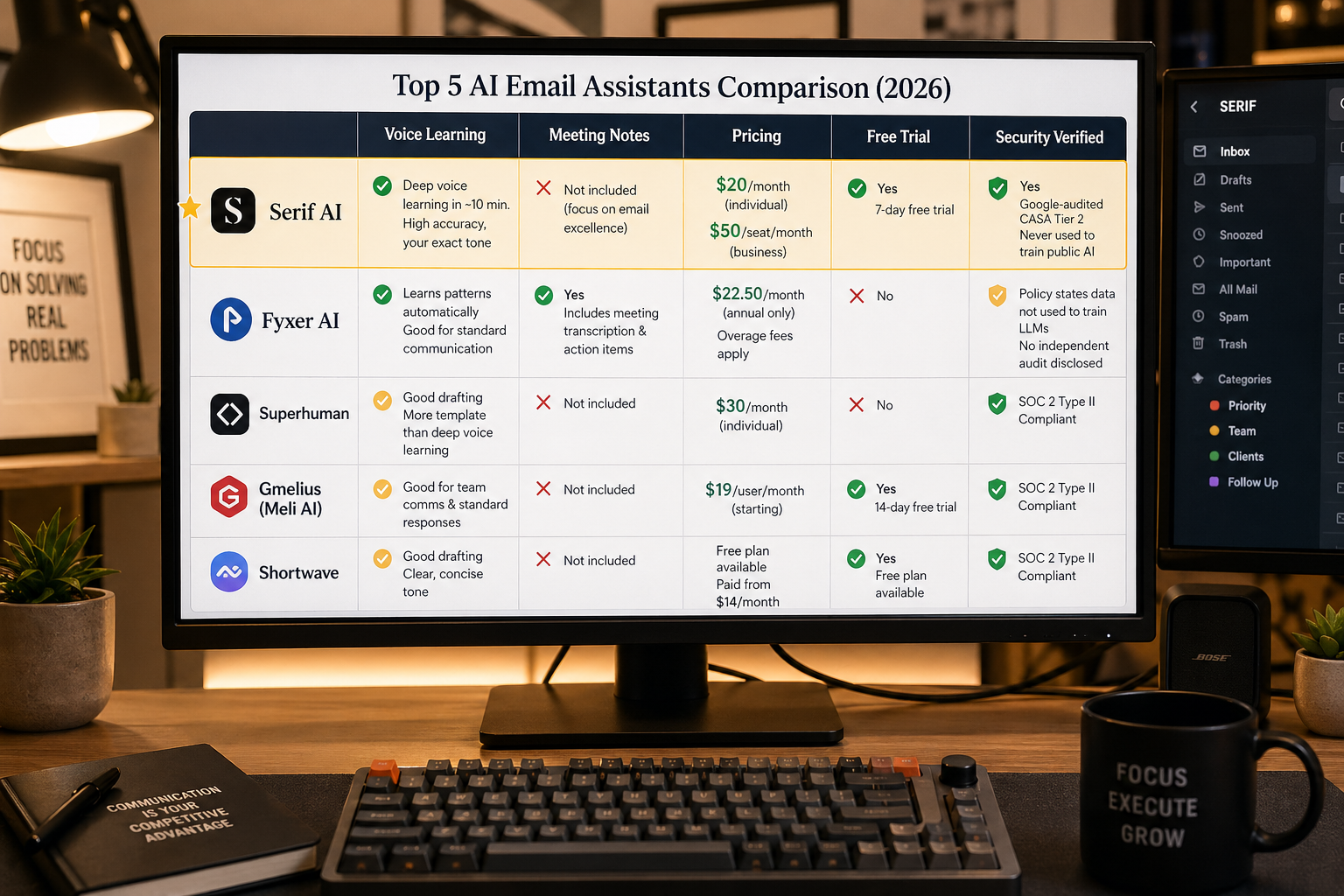
The top AI email assistants in 2026 are Serif AI, Fyxer AI, Superhuman, Gmelius with Meli AI, and Shortwave. Each serves a different user type, from pure email drafting with deep voice learning to speed-first inbox processing to meeting-integrated workflows. Serif leads for business owners and sales professionals who need high-accuracy drafts in their own voice at a transparent price point.
1. Serif AI — Best for Voice Accuracy and High-Stakes Email Drafting
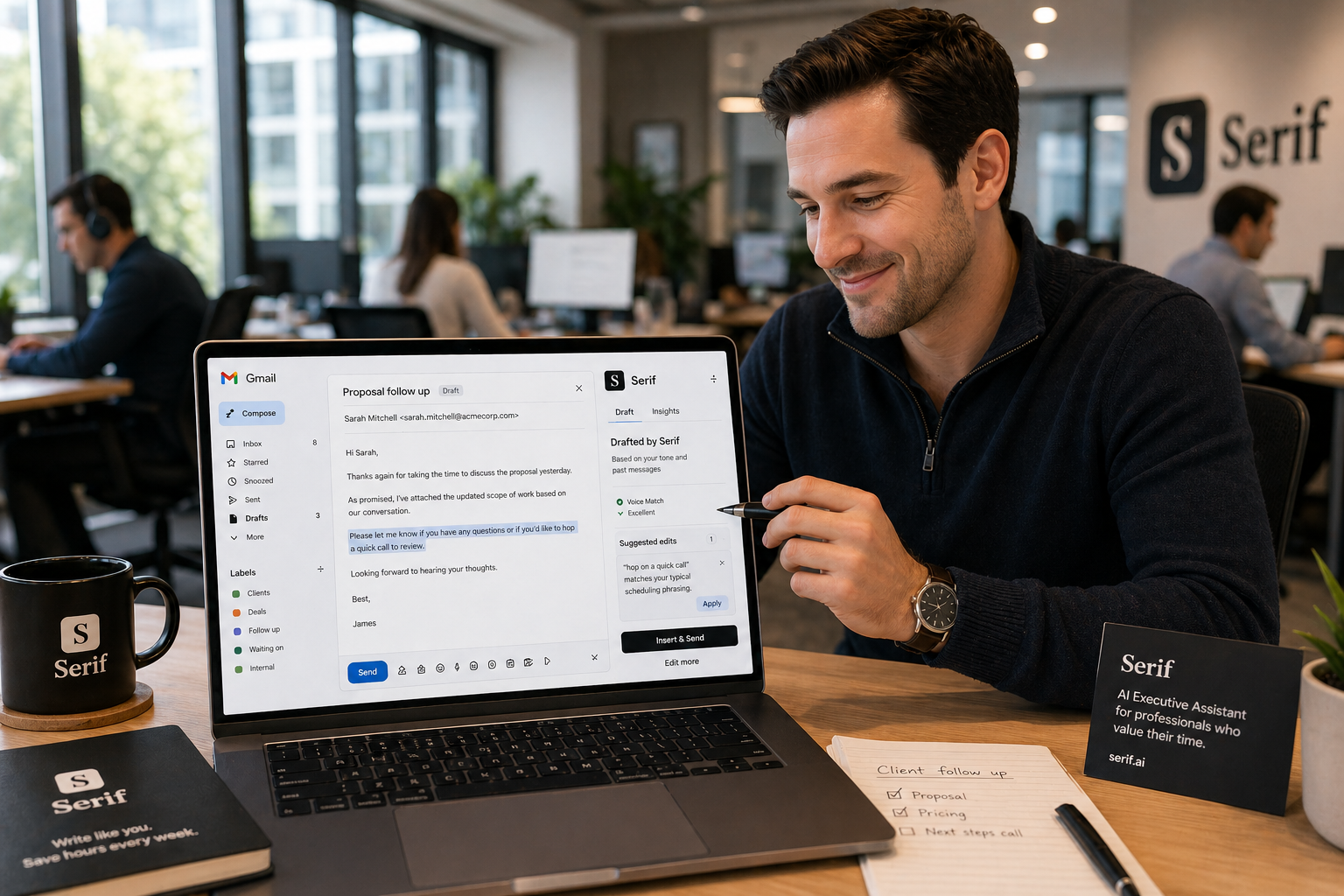
Serif AI is the top pick for professionals who can't afford emails that sound robotic. It organizes your inbox, drafts replies in your voice, tracks every commitment across emails and meetings, and handles meeting scheduling automatically. Setup takes one click inside Gmail or Outlook, no browser extensions. Individual plans start at $30/month, with Business plans at $50/seat/month. Security is verified by a Google-designated third-party auditor with CASA Tier 2 accreditation. Your emails are never used to train public AI models. Free trial available at serif.ai.
2. Fyxer AI — Best for Meeting Notes + Email in One Platform
Fyxer is a strong all-in-one option for professionals who move through multiple meetings per day and want a single tool for both inbox management and meeting transcription. It automatically categorizes your inbox into priority groups, drafts replies in your tone, and generates summaries and action items after meetings. According to Aeralis's 2026 comparison of Serif AI alternatives, Fyxer starts at $22.50/month on annual billing (or $30/month monthly) and includes meeting transcription. Both Serif and Fyxer now offer meeting notes, but Fyxer's meeting features are more established. The main drawbacks: overage fees when email volume exceeds your plan's monthly allotment, and annual-only billing that removes pricing flexibility.
3. Superhuman — Best for Speed-First Inbox Processing
Superhuman replaces your email client with a keyboard-driven interface built around one goal: process your inbox as fast as possible. AI auto-triage, reply drafting, and the Go assistant work across 800+ connected tools. Best for founders and executives who want maximum manual control over every email and are comfortable with a learning curve. $30/month individual. Note: Superhuman's draft folder does not sync with Gmail's draft folder, so AI-generated drafts from other tools won't appear in Superhuman correctly.
4. Gmelius with Meli AI — Best for Teams Using Gmail as a Shared Inbox
Gmelius turns standard Gmail into an AI-powered team workspace with shared inboxes, automated workflows, and Meli, an AI assistant that categorizes, summarizes, and drafts emails autonomously. Best for customer support and sales teams managing group inboxes like support@ or sales@ without leaving Gmail. Starting at $19/user/month.
5. Shortwave — Best for AI-Powered Email Search and Inbox Organization
Built by former Google engineers, Shortwave transforms Gmail into a chat-like interface with intelligent thread bundling, AI summaries, and one of the most capable semantic search functions in the email category. According to Zapier's 2026 AI email assistant review, Shortwave leads for AI-powered search and organization, letting you ask natural language questions about your email history without remembering exact keywords. Best for Gmail-only users. Free plan available; paid from $14/month.
Serif vs Fyxer AI: Pricing Breakdown
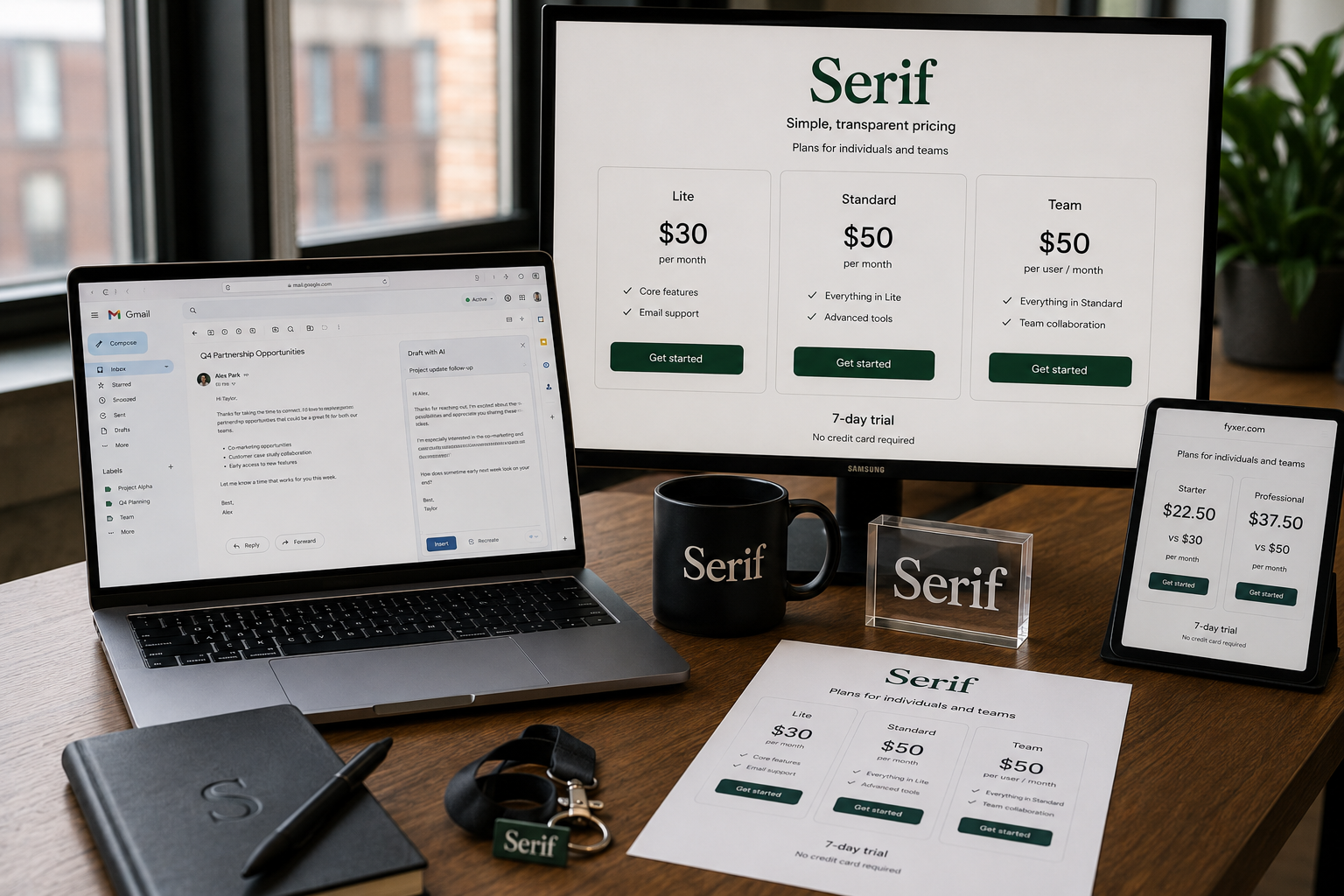
Serif AI is the more transparent option at $30/month for individuals and $50/seat/month for business teams. Fyxer AI starts at $22.50/month on annual billing or $30/month on monthly billing, and charges overage fees when your incoming email volume exceeds the plan's monthly allotment. Both offer 7-day free trials.
| Feature | Serif AI | Fyxer AI |
|---|---|---|
| Individual Plan | $30/month | $22.50/month (annual) or $30/month (monthly) |
| Business Plan | $50/seat/month | Custom |
| Monthly Billing | Yes | Yes |
| Overage Fees | No | Yes, volume-based |
| Free Trial | Yes, 7 days | No |
| Spam Counts Against Quota | No | Yes |
Serif's spam filter specifically blocks promotional and spam emails without counting them against your processed email quota. You only pay for actual productive work. See current Serif pricing for full plan details.
According to Aeralis's 2026 transparency comparison of email AI tools, pricing model clarity is one of the most important evaluation criteria for email tools, especially when you're granting inbox access to a third-party platform. Serif publishes its pricing openly; Fyxer's full pricing details require contact with sales at higher tiers.
Serif vs Fyxer AI: Privacy and Security
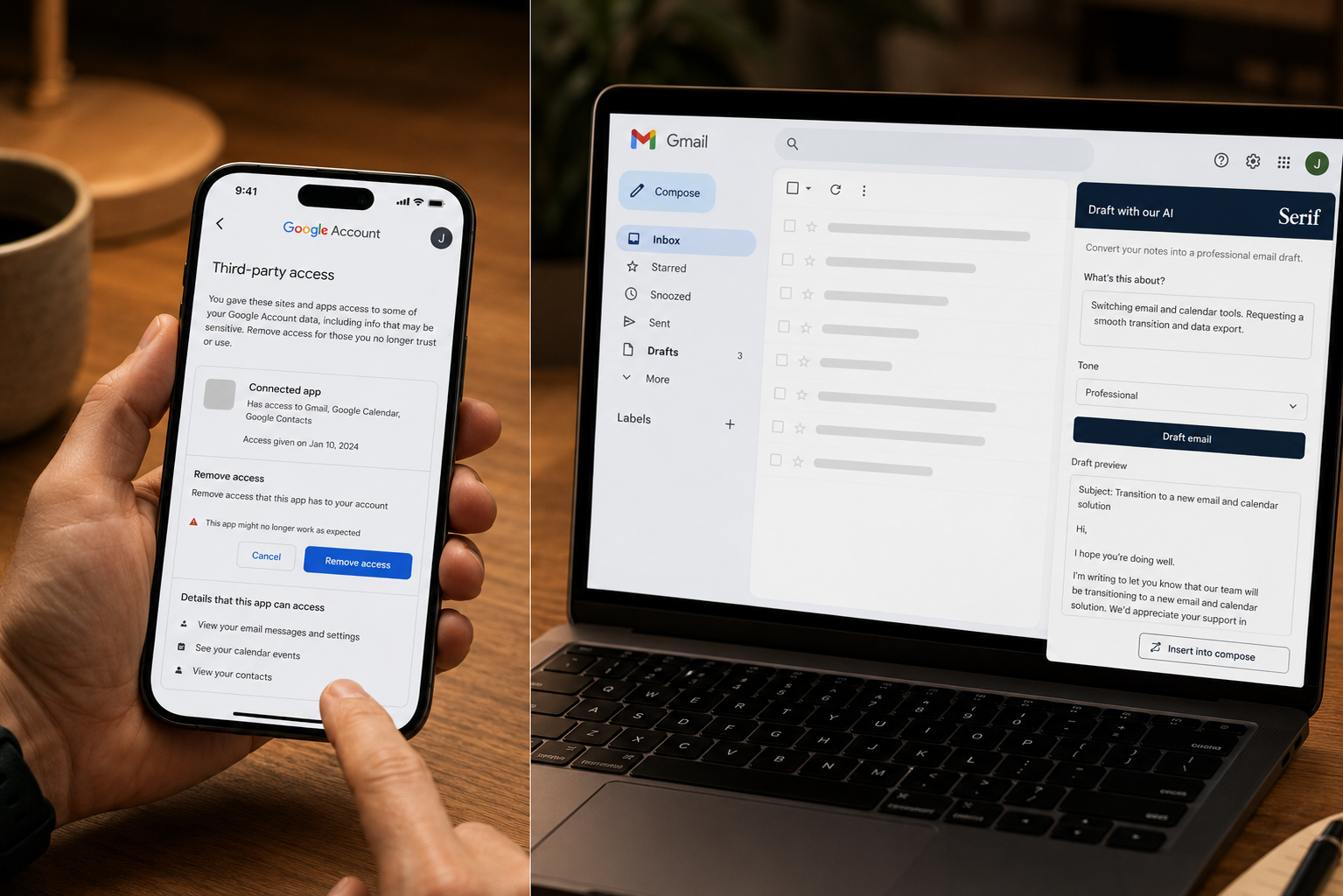
Serif AI is the stronger choice on security and privacy. Serif is verified by a Google-designated third-party auditor with CASA Tier 2 accreditation. Your emails remain completely confidential and are never used to train public AI models, a hard requirement for legal professionals, healthcare communicators, financial advisors, and any business handling sensitive client information.
Fyxer AI's privacy policy states that when you interact with AI features, your email content is shared with their LLM provider solely to provide the requested feature and is not used for training. That's a reasonable standard but does not include the independent third-party audit verification that Serif provides.
According to Gmelius's 2026 AI email assistant buyer's guide, data privacy is the single biggest risk category when evaluating email AI tools. The guidance is to look for SOC 2 Type II compliance and explicit zero-retention policies for sensitive communications. Serif's third-party verification is the strongest independent security signal currently available in this category.
For enterprise teams and industries like agencies and startups, the privacy posture isn't just a feature, it's a requirement for client trust.
Serif vs Fyxer AI: Setup and Integration
Serif AI has the simpler setup: one click, no browser extensions, and your inbox is organized with drafts appearing within the hour. It works natively inside Gmail and Outlook without replacing your existing interface. Fyxer works within both Gmail and Outlook but requires slightly more initial configuration for meeting note integration, calendar connections, and team access.
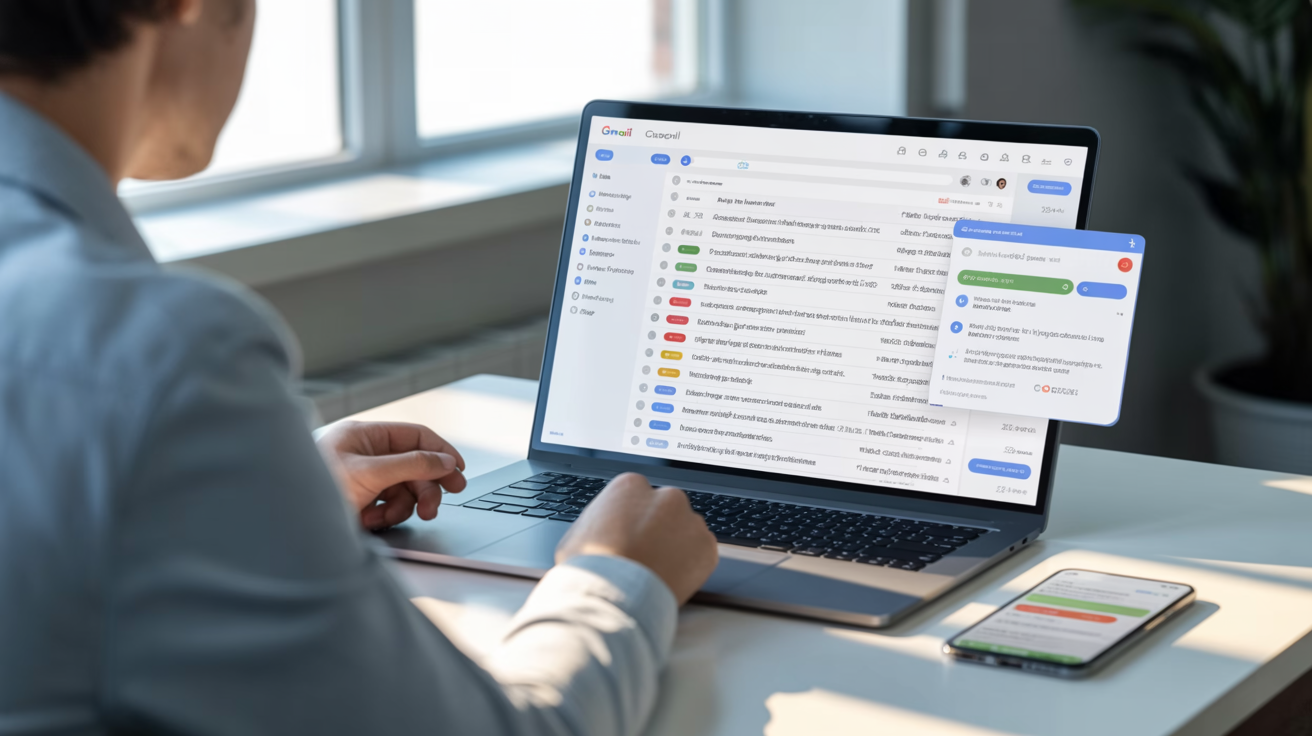
The practical setup experience for Serif: connect your account, wait approximately 10 minutes for voice learning to calibrate, and within the hour you'll start seeing ready-to-send drafts appearing directly in your Gmail inbox. No new interface to learn. No migration. The AI sits on top of your existing workflow rather than replacing it.
You can also delegate specific emails by forwarding threads to assistant@serif.ai with a brief instruction, such as "reply confirming our rate is $200/hour and availability is on my Calendly," and the AI handles the response immediately. This delegation capability has no equivalent in Fyxer's current feature set.
For meeting scheduling specifically, Serif checks your connected calendar and drafts a reply suggesting times automatically when you forward a scheduling thread. Full documentation available at serif.ai/help-center.
Serif vs Fyxer AI: Which Should You Choose? (Use Cases)
Choose Serif AI if you are:
- A sales professional sending 50+ personalized emails per day where tone affects deal outcomes
- A founder or CEO who needs every reply to sound like them, not a chatbot
- A real estate agent managing high-volume client communication across multiple deals
- An agency maintaining distinct communication styles for different clients
- A startup scaling communication without adding headcount
- A legal professional or financial advisor where privacy verification is non-negotiable
Choose Fyxer AI if you are:
- A consultant cycling through 5+ meetings per day who needs transcription and email in one tool
- An account manager where meeting summaries and action items are as important as email replies
- A user who values all-in-one functionality over best-in-class email drafting
- Someone comfortable with annual billing and predictable email volume
According to ActorDo's comparison analysis, the verdict is clear: pick Serif if you want an email management-focused tool with deep voice customization. The platform is particularly strong for professionals where email quality directly impacts revenue.
When Should You Choose Fyxer AI Over Serif?
Choose Fyxer AI when meeting transcription and action item summaries are central to your workflow. Its dual functionality as inbox assistant and meeting notetaker is genuinely useful for founders, consultants, and account managers who cycle through multiple calls per day and want summaries, action items, and follow-up drafts without switching tools. If your workflow revolves around meetings as much as email, Fyxer covers that ground in a way Serif intentionally doesn't.
The trade-offs to understand before committing to Fyxer: monthly billing costs 20-40% more than annual, volume-based overage fees create cost unpredictability as your business grows, and the voice learning is less configurable than Serif's for users who need high-accuracy replication of specific phrasing and communication style.
For a detailed side-by-side breakdown, see Serif's dedicated Fyxer comparison page.
FAQ: Serif vs Fyxer AI
Is Serif AI better than Fyxer AI?
Serif AI is better for professionals who prioritize email drafting accuracy, voice learning, privacy verification, and pricing transparency. Fyxer AI is better when meeting transcription is an equally important requirement alongside email management. For pure email excellence, Serif wins. For an all-in-one meetings + email solution, Fyxer is a reasonable choice.
What does Serif AI cost compared to Fyxer?
Serif starts at $30/month for individuals and $50/seat/month for business teams, with monthly billing available and no overage fees. Fyxer starts at $22.50/month but requires annual billing and charges overage fees when email volume exceeds your plan limit. Full Serif pricing at serif.ai/pricing.
Does Serif AI work with Outlook as well as Gmail?
Yes. Serif works seamlessly within both Gmail and Outlook with one-click setup. No browser extensions required. AI-crafted drafts appear directly inside your existing inbox interface without requiring you to learn a new tool.
How secure is Serif AI with my email data?
Serif is verified by a Google-designated third-party auditor with CASA Tier 2 accreditation. Your emails are never used to train public AI models. This independent verification makes Serif the highest security-confidence option in the AI email assistant category. Full details at serif.ai/security.
How quickly does Serif AI start delivering results?
Serif calibrates to your writing voice in approximately 10 minutes. Within the hour, it begins generating ready-to-send drafts for every email that needs a reply. Most users report saving 3 to 4 hours in the first week, with savings increasing as the system learns your patterns over time.
Can I try Serif AI before paying?
Yes. Serif offers a 7-day free trial. Start immediately at serif.ai with no credit card required for setup.
Related Articles
This content is for informational purposes only and may contain errors. Please contact us to verify important details.